

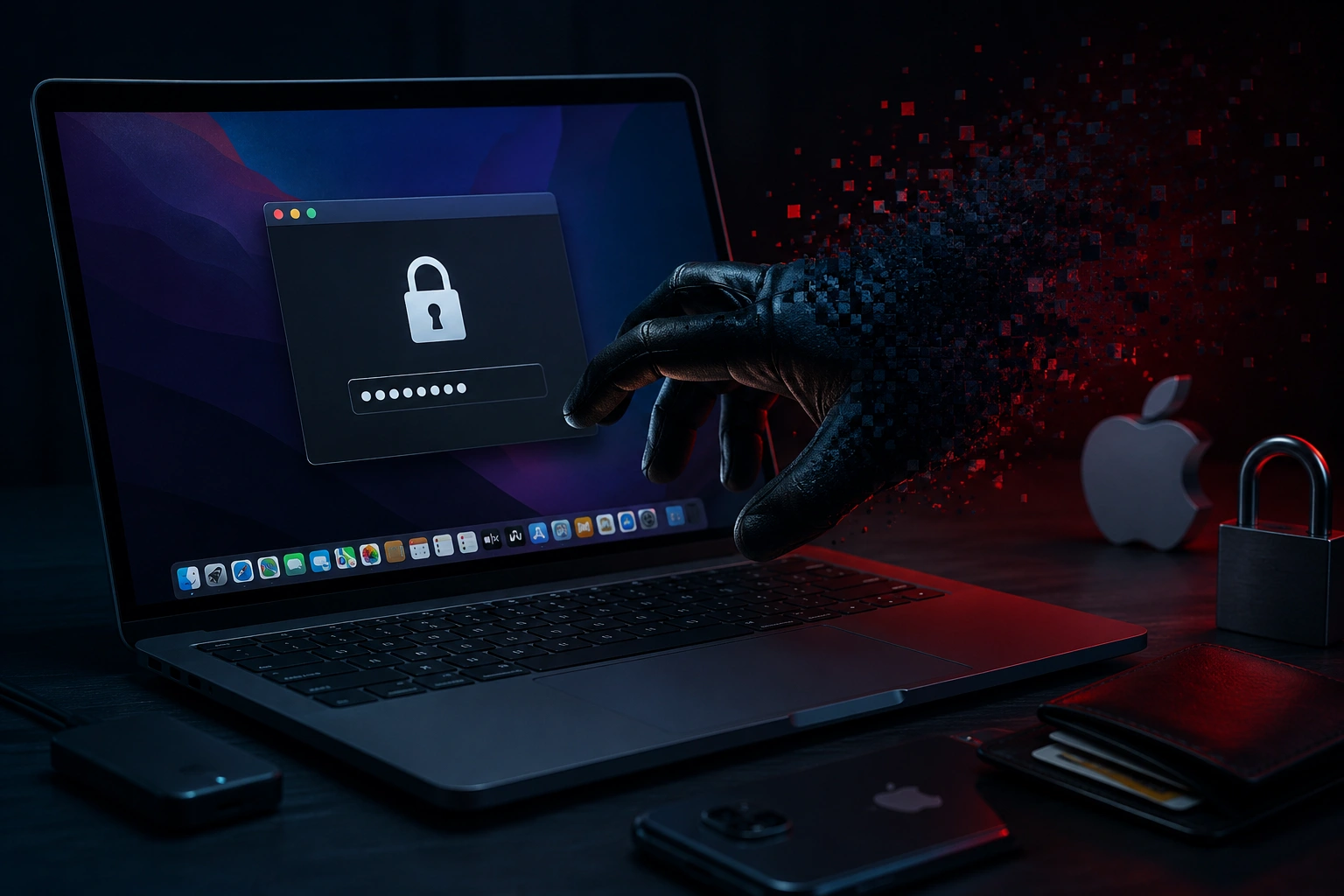
The rise of ClickLock Stealer is a sharp reminder that macOS security is no longer a quiet background feature users can simply trust and forget. For years, Mac owners were told, directly or indirectly, that their machines lived slightly outside the messier malware economy surrounding Windows systems. That comfort is now aging badly, because modern infostealers are not trying to smash through the front door with noisy malware behavior. They are slipping into the user experience, copying familiar Apple-style prompts, and waiting for one ordinary password entry to unlock a chain of sensitive data. In the case of ClickLock Stealer, the real danger is not just that it targets macOS users, but that it understands how normal macOS users behave when they think the operating system is asking for permission.
The story feels especially uncomfortable because it does not begin with a dramatic exploit screen or a suspicious-looking hacker interface. It begins with something boring, polished, and believable: a software installer, a system-looking app, and a password prompt that feels close enough to what people already see on their Mac. That is the sweet spot for modern macOS malware, where technical tricks and social engineering work together instead of competing. A victim does not need to be reckless in some cartoonish way to get caught; they only need to trust the wrong download at the wrong moment. That makes this campaign feel less like a niche malware footnote and more like a preview of where password theft on Apple devices is heading.
Why ClickLock Stealer Hits macOS Users Differently
ClickLock Stealer matters because it attacks one of the strongest habits in the Apple ecosystem: user confidence. Mac users are trained to enter their password when installing apps, changing system settings, unlocking protected preferences, approving extensions, or accessing stored secrets. That behavior is not wrong, because macOS often does require password confirmation for legitimate security boundaries. The problem is that attackers know this rhythm, and they can build malware that imitates the moment well enough to push users into autopilot. Once the user types a password into a fake prompt, the malware does not need to break trust from the outside; it borrows trust from the user.
This is what makes the threat more serious than a random malicious file sitting in a downloads folder. The malware reportedly uses a system-like disguise and aims for the sensitive areas where macOS stores valuable information, including login credentials, browser data, cookies, and wallet-related secrets. In a normal day, those details are spread across apps and services, so users may not think of them as one big target. To an infostealer, however, they are a ready-made map of someone’s digital life. If stolen together, they can open the door to email accounts, business dashboards, crypto wallets, cloud storage, payment services, and private conversations.
The timing also matters because macOS is now deeply woven into professional workflows. Designers, developers, founders, marketers, editors, traders, and remote teams often use Macs as their main work machines. That turns a personal device into a bridge between personal identity and company infrastructure. A stolen password from one Mac can become a stolen session token, a hijacked browser profile, or a foothold into a cloud workspace. In other words, ClickLock Stealer is not just a consumer security scare; it is also an enterprise security concern hiding inside everyday productivity.
The Trick Is Familiar, but the Execution Is Sharper
Infostealers are not new, and fake prompts are not new either. What has changed is the polish of the whole delivery chain. Attackers are no longer relying only on sketchy pop-ups, broken English, and obviously suspicious attachment names. They are packaging malicious tools as professional-looking installers, using branding that feels close to legitimate software, and creating small moments of friction that can actually make the campaign feel more exclusive or real. When a download asks for a code, a PIN, or a limited-access step, some users may become more suspicious, but others may feel the opposite: that they have been invited into something private or early.
That psychological detail is important because cybersecurity often focuses on malware behavior after execution, while the first battle happens before the file ever runs. Users do not install malware because they want malware; they install something they believe is useful, rare, urgent, recommended, or necessary. A fake crash-reporting tool, fake utility, fake productivity app, or fake update can fit naturally into that belief system. Once the app is launched, the password prompt becomes the final nudge rather than the first warning sign. That is why social engineering remains one of the most durable weapons in digital crime.
The execution also shows how attackers understand macOS security layers. Apple’s protections can block a lot of obvious threats, but the ecosystem still depends on trust decisions, app reputation, notarization checks, permissions, and user approvals. When malware gets close enough to look legitimate, every layer that involves user consent becomes a potential attack surface. That does not mean macOS security is broken or useless, because built-in defenses still matter. It means attackers are adapting to the parts of the system where human behavior and technical permission meet.
ClickLock Stealer and the New Infostealer Economy
The bigger story behind ClickLock Stealer is the growth of the infostealer economy. Password theft used to sound like a single-account problem, as if one stolen login simply meant changing one password and moving on. That view is outdated, because modern stealers collect entire identity bundles. They can take browser cookies, autofill data, saved credentials, authentication tokens, wallet extension data, local files, and system information that helps criminals decide what to do next. The stolen data can then be sold, reused, combined with leaks, or passed into a larger intrusion chain.
This is why the threat is bigger than the name of one malware family. A stealer campaign can feed ransomware crews, account takeover groups, crypto drainers, business email compromise operators, and fraud networks. One infected Mac might not look dramatic at first, especially if the device keeps working normally after the theft. But the damage may surface later, when a password reset email appears, a wallet balance disappears, an ad account is hijacked, or a company login triggers an alert from another country. The first stage is quiet because the value of the attack is in leaving fast with clean data.
For cybercriminals, macOS is attractive because it is full of high-value targets. Many users in creative and technical fields store client files, source code, private keys, business documents, design assets, cloud credentials, and payment access on the same machine. Even if the malware only grabs a fraction of that environment, it can still produce a profitable outcome. Attackers do not need every victim to be a whale; they only need enough victims with reusable credentials and weak recovery hygiene. That is the engine that keeps digital crime moving even when individual malware families get exposed.
Why Password Managers Are Still in the Blast Zone
Password managers are still one of the best defenses against password reuse, but they are not magic shields against every type of device compromise. If malware tricks a user into unlocking protected storage or grabs browser session data after authentication, the attacker may not need to guess the master password. This distinction matters because many people hear “use a password manager” and assume the job is finished. In reality, password managers reduce one class of risk while creating a different need for device-level discipline. A safe vault on an infected machine can still become part of a dangerous chain if the attacker captures the right moment.
The browser is another pressure point. Many users keep themselves logged into email, social platforms, analytics tools, CMS dashboards, developer accounts, and cloud services for convenience. That convenience depends heavily on cookies and session tokens, which can sometimes be more valuable than raw passwords. A criminal who steals an active session may bypass the traditional login step, especially if the service does not aggressively bind sessions to device health, location, or reauthentication events. This is why data security has to include browser hygiene, not just password strength.
Crypto users face a sharper version of the same problem. Wallet extensions, seed phrases, private keys, and exchange sessions are extremely attractive because stolen assets can move quickly and recovery is often limited. Unlike a bank account, a drained wallet may not come with a friendly reversal process. That makes any stealer with wallet-targeting behavior especially dangerous for traders, NFT collectors, Web3 developers, and people who casually experimented with crypto years ago and forgot they still had value stored somewhere. On macOS, where many builders and creators work, that overlap becomes a real risk cluster.
The macOS Myth That Attackers Love
The most useful myth for attackers is not that Macs are totally secure; it is that Mac users sometimes feel secure enough to move faster than they should. That mindset can turn a suspicious installer into a quick double-click, especially when the user is busy, tired, or trying to solve another problem. Security fatigue plays a role here because people see so many alerts, prompts, pop-ups, permission boxes, and update messages that they begin treating them as background noise. The more familiar the prompt looks, the easier it becomes to approve it without slowing down. ClickLock Stealer takes advantage of that tiny gap between seeing and thinking.
This does not mean users are foolish. It means modern interfaces have trained people to make constant security decisions while doing non-security tasks. A designer installing a plugin is trying to finish a project, not evaluate malware tradecraft. A developer testing a tool is focused on speed, not the origin story of a disk image. A founder downloading a productivity app wants leverage, not a lecture on notarization. Attackers win when they make the malicious decision feel like a normal part of the workflow.
The old advice of “just don’t download suspicious files” is too vague for this environment. Suspicion is not always obvious, and polished scams are designed to reduce it. Users need a better mental model: every app that asks for a macOS password should be treated as a meaningful trust event. That moment deserves a pause, especially if the app came from a search result, social media link, private download page, direct message, sponsored post, or unknown vendor. The pause is not paranoia; it is a practical response to the way infostealers now operate.
Enterprise Teams Should Treat This as a Signal
For companies, ClickLock Stealer should be read as a signal that macOS endpoints need the same seriousness as every other endpoint. Many organizations have improved Windows hardening while leaving Mac fleets with lighter monitoring, fewer restrictions, or more casual software policies. That gap often exists because Mac users are senior staff, creative teams, developers, executives, or contractors who expect flexibility. Flexibility is useful, but unmanaged flexibility becomes an attacker’s favorite access path. If one stolen browser session opens a corporate SaaS stack, the device label matters less than the damage path.
Endpoint detection, mobile device management, application allowlisting, browser controls, and identity-based alerts all become more important in this context. A company does not need to crush user productivity to reduce risk, but it does need visibility into what is being installed and what is asking for privileges. Teams should know whether a Mac suddenly creates suspicious launch items, reaches unknown command-and-control infrastructure, or accesses credential stores in unusual ways. They should also be able to revoke sessions quickly when a device is suspected of compromise. Without that response muscle, an infostealer incident can turn into a long cleanup exercise.
The identity layer is especially important because modern work is cloud-first. A stolen password is bad, but a stolen authenticated session can be worse because it may look like normal user behavior at first. That puts pressure on organizations to use phishing-resistant multi-factor authentication, conditional access, device posture checks, and short-lived sessions for sensitive systems. Admin panels, finance tools, code repositories, customer data dashboards, and production infrastructure should not rely on passwords alone. The more valuable the system, the more it should demand proof that the user, device, and session all make sense together.
What Regular Mac Users Should Do Now
The practical response starts with slowing down around downloads. Users should avoid installing apps from random search results, private links, unofficial mirrors, and unfamiliar websites, even when the site looks clean. A polished landing page does not prove software is trustworthy, and a password-protected download does not make an app safer. Before installing anything that asks for a system password, users should check the developer, the official domain, the app’s reputation, and whether the software is actually necessary. That small delay can stop the whole attack chain before it begins.
Users should also treat unexpected macOS password prompts with more skepticism. If an app asks for a password immediately after launch, especially when the reason is vague, it is worth closing the prompt and investigating. Legitimate apps can ask for passwords too, but they usually explain why they need elevated access or protected storage. A fake prompt wants urgency and compliance, not understanding. When in doubt, quitting the app, disconnecting from the internet, and checking security settings is safer than typing the password to “see what happens.”
Browser cleanup is another important step. Users should review saved passwords, remove old extensions, clear suspicious sessions, and sign out of accounts they no longer use. They should enable multi-factor authentication on email, cloud storage, financial platforms, social accounts, CMS dashboards, developer services, and crypto exchanges. A dedicated password manager is still recommended, but it should be paired with a strong master password, biometric protection where appropriate, and careful extension management. For more coverage of threats like this, readers can also follow the Malware section for ongoing updates and defensive context.
What to Do If You Think You Were Infected
If a user suspects they installed a malicious app, the first move should be containment rather than panic. Disconnecting the Mac from the internet can reduce ongoing communication, although it will not undo data already stolen. The user should avoid logging into more accounts from the same machine until it has been checked, because fresh logins can create fresh tokens for an attacker to steal. A trusted security tool, a professional technician, or an internal IT team should inspect launch agents, login items, installed profiles, browser extensions, and recent downloads. The goal is not only to remove the visible app but also to confirm that persistence mechanisms are gone.
After containment, password rotation should happen from a clean device. Starting with email is usually smart because email controls password resets for many other accounts. Then users should reset passwords for financial services, cloud drives, Apple ID, work accounts, social platforms, developer tools, and anything connected to payment or identity. Sessions should be revoked wherever possible, because changing a password does not always kill every active login automatically. If crypto wallets or private keys may have been exposed, moving funds to a new wallet with fresh keys is often safer than hoping the old wallet remains untouched.
Businesses should take an even wider view. A suspected stealer infection should trigger identity review, endpoint forensics, session revocation, credential resets, and monitoring for unusual access. Security teams should check whether the affected user had access to customer data, source code, admin panels, financial systems, or shared credentials. They should also review whether the incident began with a downloaded utility, a fake vendor site, a compromised ad, a social engineering message, or a search engine result. That origin story matters because it can reveal whether more employees may have been targeted by the same lure.
The Bigger Trend: Malware That Looks Normal
The most important trend is that malware is becoming less visually dramatic and more behaviorally normal. Instead of trying to scare users, many campaigns try to blend in with software culture. They look like beta tools, crash reporters, installers, productivity utilities, browser helpers, AI apps, design plugins, wallet tools, or internal workplace resources. That makes the boundary between legitimate and malicious feel blurrier for everyday users. In this environment, security awareness has to move beyond obvious scam spotting and into trust verification.
This trend also overlaps with the explosion of AI tools and small software startups. People are downloading more experimental apps than ever, and many of those apps come from new brands without long reputations. Attackers can take advantage of that culture by building fake tools around whatever category is trending. A user hunting for a new creative app, automation tool, browser assistant, or productivity shortcut may be more willing to install something unfamiliar. That gives infostealers a bigger social surface than they had in the past.
At the same time, attackers are learning that stealing data quickly can be more efficient than maintaining long-term access. Ransomware still dominates headlines, but infostealers often provide the raw material that makes bigger attacks possible. A single stolen credential can lead to cloud compromise, and a stolen cookie can bypass a login page that looked secure on paper. This is why cloud security, endpoint security, and identity security now overlap so heavily. The device is not separate from the cloud anymore; it is one of the main doors into it.
How Apple’s Ecosystem Can Raise the Bar
Apple’s security model still gives users meaningful protection, but threats like ClickLock Stealer show where the next improvements need to focus. Stronger warning language around sensitive password prompts could help users understand when an app is asking for access that could expose stored secrets. Better visibility into launch items, background agents, and newly installed components would also make suspicious behavior easier to spot. App provenance could become clearer, especially when software comes from outside the Mac App Store. The more understandable these signals become, the less attackers can hide behind interface familiarity.
Developers also have a role in reducing confusion. Legitimate apps should explain why they need elevated privileges and avoid vague prompts that train users to approve everything. Vendors should make official downloads easy to verify, keep domains consistent, and communicate clearly when software is distributed outside standard channels. Security teams at software companies should monitor for impersonation domains that copy their branding or distribute fake installers. Trust is not only a platform responsibility; it is also a product design responsibility.
Users, meanwhile, should build a healthier relationship with friction. A security prompt is not an obstacle to rush through; it is a moment to ask whether the app has earned that level of access. That small mindset shift can prevent a lot of damage. It will not stop every malware campaign, and it should not replace technical defenses, but it does reduce the success rate of attacks built around blind approval. In a world of polished digital crime, hesitation can be a security feature.
Final Thoughts on ClickLock Stealer
ClickLock Stealer is dangerous because it understands the modern Mac user better than old malware did. It does not need to announce itself with chaos, and it does not need to defeat every layer of Apple’s security in a Hollywood-style breach. It only needs to appear trustworthy long enough for a user to type a password, approve access, or ignore a subtle warning. That makes it a human-centered threat as much as a technical one. The real lesson is that macOS security now depends on both platform defenses and user decisions made in small, ordinary moments.
For individuals, the takeaway is clear: download less casually, question password prompts, protect browser sessions, and treat stored credentials as high-value assets. For businesses, the message is even louder: Mac endpoints deserve full visibility, strong identity controls, and fast incident response when credentials may be exposed. Infostealers are not background noise anymore; they are part of the supply chain for broader account takeover, fraud, and enterprise intrusion. As attackers keep polishing malware to look normal, defenders have to get better at verifying what normal actually means. That is the uncomfortable but necessary shift in the age of ClickLock Stealer and the next wave of macOS password theft.