

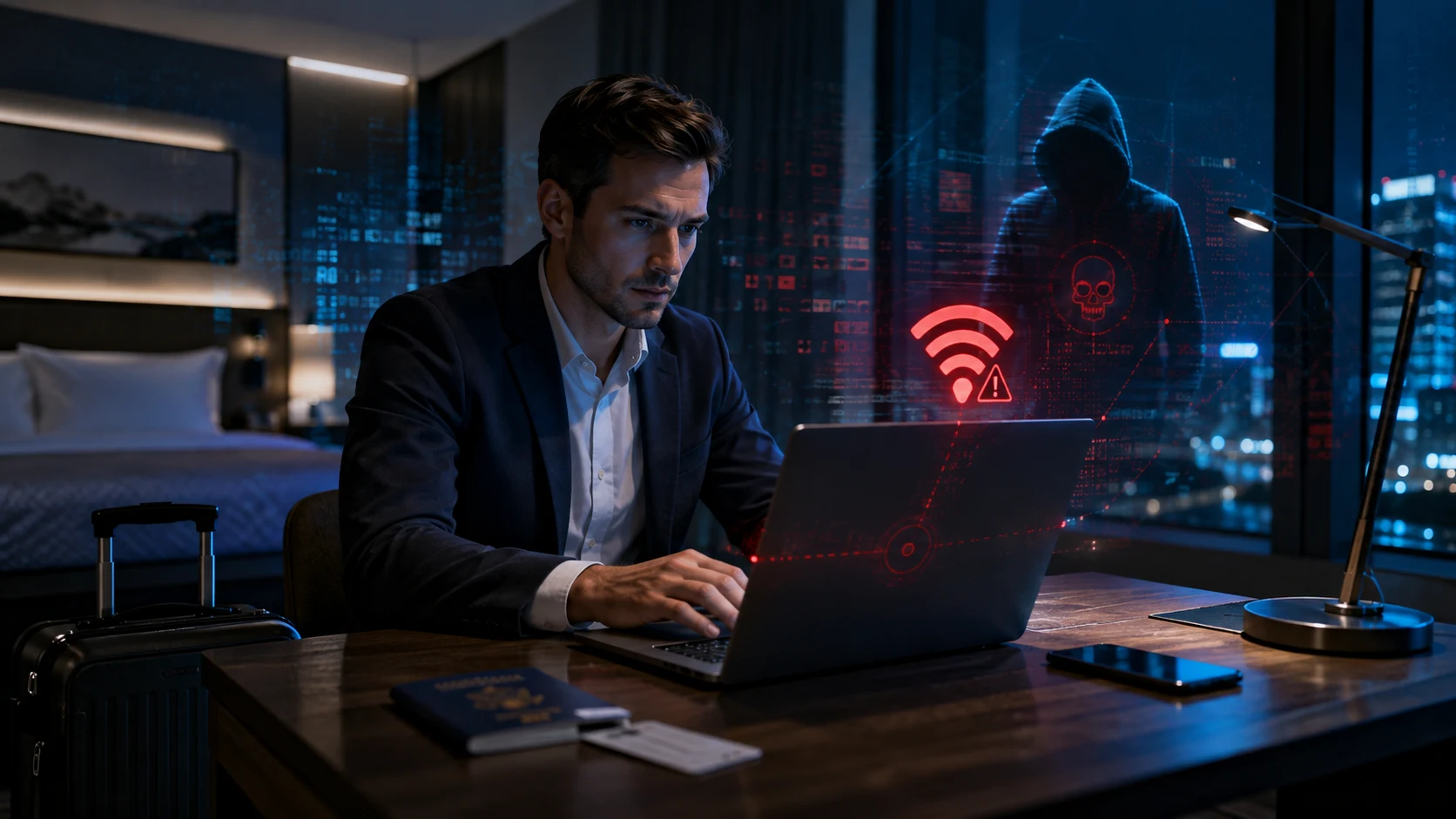
The hotel lobby is quiet, your flight landed late, and the only thing standing between you and a warm bed is one final email. You connect your laptop to the guest network, accept the familiar-looking Wi-Fi page, and wait for the browser to load. Instead, a polished notification claims that your browser, network driver, or Windows security tool needs an urgent update before internet access can continue. That ordinary moment has become the opening scene of a sophisticated hotel Wi-Fi malware campaign designed to turn tired travelers into surveillance targets. The warning looks helpful, the timing feels logical, and the network appears legitimate because it belongs to the hotel where you are physically staying.
This is not the classic public Wi-Fi story about a stranger sitting nearby and casually reading unencrypted traffic. The newer campaign attacks the network experience itself, manipulating the systems that direct guests through hotel login pages and connectivity checks. Travelers can be redirected toward attacker-controlled infrastructure even when they believe they are using the correct hotel network. From there, fake updates, fraudulent sign-in requests, and carefully designed troubleshooting instructions push victims toward installing malware or approving access to corporate accounts. The result is a threat that combines network compromise, social engineering, cloud account theft, and full-device surveillance in one unusually convincing chain.
Why Hotel Wi-Fi Malware Feels So Convincing
Hotel internet naturally asks users to complete extra steps, which gives attackers an ideal environment for deception. Guests expect to see room-number forms, terms of service, browser redirects, slow connections, and repeated authentication prompts. They may also assume that unusual behavior is simply caused by a weak signal or an overloaded hotel network. A fake repair message therefore does not immediately feel suspicious in the same way an unexpected attachment might. The attacker is exploiting not only a technical weakness but also the traveler’s expectation that hotel Wi-Fi will be slightly annoying and unpredictable.
Timing makes the setup even more effective. Business travelers often connect shortly after arriving, when they are tired, rushing, or trying to join a meeting from another time zone. They may have several devices open, limited mobile data, and pressure to access email, cloud documents, or company messaging platforms. A prompt promising to restore the connection quickly can feel like the easiest path forward. Instead of questioning why a network page is offering software, the user may follow the instructions simply because work needs to continue. That moment of urgency gives a well-designed fake update more power than a generic phishing email sent during a normal day.
How the Captive Portal Attack Begins
Most hotels use a captive portal, the web page that appears before a guest receives full internet access. The portal may request a last name, room number, access code, conference registration, or agreement to usage terms. Devices also perform automatic connectivity checks when joining a new network to determine whether the internet is available or a sign-in page must be displayed. Attackers who gain influence over the network’s DNS or HTTP traffic can interfere with those checks and redirect the device somewhere else. The guest still sees a page appear exactly when a hotel login page would normally appear, which makes the redirection difficult to recognize.
The initial compromise of the hospitality network may not always involve the individual hotel directly. Shared Wi-Fi management platforms, third-party service providers, gateway equipment, and centralized portal systems can create common infrastructure across multiple properties. A weakness or stolen credential inside that ecosystem could potentially give attackers access to more than one venue. That possibility changes the scale of the threat because a campaign may spread through common service layers rather than one poorly maintained router at a time. Hotels, conference centers, co-working locations, and other shared venues can therefore face similar exposure when their captive portal technology depends on the same suppliers or management systems.
Once the traffic is under attacker control, the fake experience can be tailored to the victim’s device. A Windows laptop might receive a browser update, security scan, network repair utility, DirectX installer, or system optimization message. Another landing page may claim that an automated verification failed and instruct the traveler to copy and run a command manually. Android users may be told to download an application package to restore connectivity or complete device verification. Every variation tries to make malware installation feel like a normal technical step required by the network rather than a deliberate security decision.
CornFlake Turns a Laptop Into a Surveillance Device
The primary Windows implant associated with the campaign is a remote access trojan known as CornFlake. It is built to give operators long-term visibility into an infected computer rather than simply displaying advertisements or causing obvious damage. During installation, it can show a convincing progress window that resembles a legitimate update, virus scan, browser repair, or Microsoft component installer. While the victim watches the fake progress bar, the malware copies itself into the user’s application data directory and begins establishing persistence. The screen creates the illusion that something useful is happening while the actual compromise quietly settles into the system.
CornFlake can register itself as a Windows service with a name and description designed to sound harmless. It may imitate familiar system language such as cloud synchronization and use a file name that resembles a legitimate Windows process. The malware can also rely on registry entries, scheduled tasks, and additional routines that restore persistence if one mechanism is removed. This redundancy matters because deleting a single suspicious startup entry may not remove the infection. The implant is designed to survive partial cleanup and continue operating after the traveler returns home or reconnects to a corporate environment.
The surveillance capabilities go far beyond basic credential theft. The malware can record keystrokes, monitor clipboard changes, capture screenshots, activate the microphone, and collect images from a webcam. It can search for documents, archives, source code, email data, cryptographic keys, and other files that may be useful for intelligence gathering. Removable drives can also be monitored when they are connected, creating another path toward sensitive information. A compromised travel laptop can effectively become a portable observation point that follows the victim through hotel rooms, airports, meetings, and company offices.
Browser data represents another high-value target because modern work happens inside authenticated web sessions. Saved passwords, browser cookies, session tokens, and single sign-on artifacts may allow an attacker to access cloud services without immediately repeating the victim’s login process. Even a strong password becomes less useful when an active session can be stolen from memory or recovered from local browser storage. The malware can gather details about installed software, security tools, recent files, remote desktop history, and the overall defensive posture of the machine. That information helps operators decide whether to remain quiet, expand access, or deploy additional tools.
The Attack Can Steal Cloud Access Without Malware
Installing a remote access trojan is only one path available to the operators. Some victims may instead be redirected into a device code phishing flow aimed at Microsoft cloud accounts. Device code authentication is a legitimate process created for devices that cannot easily display a normal sign-in screen, such as televisions, command-line tools, and certain enterprise applications. The user receives a short code and enters it on an official authentication page to approve a session. Attackers abuse this design by convincing the victim to approve a code that actually belongs to the attacker’s waiting session.
This technique is dangerous because the final login page may genuinely belong to Microsoft. The traveler can inspect the address, see the correct branding, complete multifactor authentication, and still authorize the wrong session. The deception happened earlier, when the attacker supplied the code and falsely explained why it was required. After approval, the attacker may receive a valid OAuth token that provides access according to the permissions granted during authentication. The victim has not technically given away a password, yet the cloud account can still be exposed through a trusted authentication workflow.
The captive portal environment strengthens the illusion because users already expect to verify themselves before internet access begins. A request involving a company account may appear reasonable to someone attending a corporate event or using a business laptop. Attackers can also imitate Microsoft 365 services through lookalike domains before redirecting the user to a legitimate device authorization page. That combination mixes fake infrastructure with real authentication pages, making conventional advice about checking the URL less complete. Travelers must understand not only where they are signing in but also who initiated the login request and what session they are approving.
Why Corporate Travelers Are Valuable Targets
Corporate travelers carry a concentration of access that is difficult to find in most consumer environments. Their laptops may contain email archives, confidential presentations, customer information, source code, legal documents, financial forecasts, and credentials for internal tools. They may also hold active sessions for Microsoft 365, cloud infrastructure, collaboration platforms, virtual private networks, and administrative dashboards. A single infected endpoint can provide insight into both the traveler’s role and the wider organization. For an espionage-focused actor, that combination can be more valuable than compromising a random home computer with little connection to strategic information.
Travel also weakens many of the controls that normally surround an employee. The user is outside the office, connected through infrastructure the company does not manage, and potentially working without immediate support from an IT team. Time-zone differences may delay incident response, while unfamiliar surroundings make unusual network behavior easier to dismiss. Employees may temporarily disable protections that interfere with hotel access or use personal accounts when corporate services become inconvenient. Each small workaround creates more opportunity for attackers who understand how people behave when productivity and security begin competing with each other.
Executives, diplomats, researchers, engineers, consultants, and technology providers are especially attractive because their accounts can reveal broader networks of relationships. Email access may expose future meetings, negotiations, travel plans, sensitive attachments, or contact information for additional targets. Stolen tokens can also help attackers impersonate the victim in follow-up conversations that appear to come from a trusted colleague. The compromise may therefore continue through targeted phishing, malicious document sharing, or requests sent from a legitimate account. What starts as one hotel connection can become the first move in a longer campaign against an entire organization.
A Broader Shift in Modern Cyber Espionage
The campaign reflects a wider shift from attacking isolated users toward compromising the digital environments around them. Email filters, endpoint defenses, password managers, and security training have made some traditional intrusion methods harder to execute consistently. Threat actors are responding by targeting identity systems, software suppliers, network service providers, and trusted workflows that sit between the user and the resources they need. A hotel network becomes valuable because it can shape what multiple travelers see before their normal defenses fully engage. The attacker is no longer waiting for the victim to visit a malicious website; the attacker is modifying the route that leads there.
Artificial intelligence may also accelerate parts of these operations without replacing the human strategy behind them. Threat actors can use AI systems to generate convincing instructions, translate landing pages, adapt social engineering language, analyze stolen information, and support technical development. That can make campaigns easier to scale across countries, devices, languages, and professional audiences. The essential deception remains familiar, but the speed of customization becomes much higher. Defenders should therefore expect polished attack pages that respond more naturally to context instead of relying on the awkward grammar and generic templates that once exposed many scams.
The operation also demonstrates why identity security and endpoint security cannot be treated as separate problems. A traveler might install malware, approve a cloud session, or experience both forms of compromise during the same encounter. The malware can steal tokens from the device, while identity abuse can give attackers cloud access even if the device is later cleaned. Organizations that focus only on antivirus alerts may miss suspicious OAuth activity, and identity teams may overlook the infected endpoint that caused the unusual sign-in. Effective defense requires correlating network events, authentication behavior, browser data theft, persistence mechanisms, and unusual cloud activity as parts of one intrusion story.
What Travelers Should Do Before Connecting
The safest approach is to treat every hotel, airport, conference, and guest network as untrusted infrastructure. That does not mean every public network is malicious, but it does mean the network should not be allowed to dictate what software is installed on your device. Whenever possible, use a personal mobile hotspot, eSIM connection, or company-managed cellular device for sensitive work. Cellular connectivity removes the hotel captive portal from the immediate path between the device and the internet. It is not a perfect security solution, but it sharply reduces exposure to a compromised guest gateway.
Never install a browser update, certificate, driver, security utility, or network repair tool offered by a captive portal. Browsers and operating systems already contain trusted update mechanisms that can be opened directly from their settings menus. A real hotel network should not require guests to install an executable file, paste commands into a terminal, disable security software, or sideload an Android application. Even when the prompt looks professional, close it and verify the device’s update status through official system controls. The inconvenience of switching connections is minor compared with the risk of giving remote access to a machine that contains months or years of valuable work.
Automatic Wi-Fi connection should also be disabled, especially for networks with common names such as Hotel Guest, Conference WiFi, or Free Airport Internet. Attackers can create lookalike access points that use names travelers have previously trusted. Confirm the exact network name with hotel staff, but remember that joining the correct network does not guarantee the underlying infrastructure is safe. Use encrypted services, keep the device firewall enabled, and avoid file sharing with nearby systems. After leaving, remove the guest network from the saved Wi-Fi list so the device does not reconnect automatically during a future visit.
How to Handle Unexpected Login Requests
Travelers should become especially cautious when a Wi-Fi page asks them to sign in with a corporate Microsoft account. A hotel normally needs a room credential, conference code, payment confirmation, or acceptance of terms, not access to an employee’s cloud identity. Do not enter a device code simply because a troubleshooting page says it is required to activate the internet. Before approving any authentication request, confirm that you personally initiated the session through a trusted application. If the code appeared after a network redirect, unexpected message, or browser error, stop the process and contact the organization’s security team.
Multifactor authentication should never be treated as a routine button that must be pressed to remove an obstacle. Read the prompt, check the location, review the application name, and verify what permissions are being requested. Passwordless authentication can prevent many forms of credential theft, but it cannot protect a user who deliberately approves an attacker-controlled session. Number matching, phishing-resistant security keys, passkeys, and conditional access policies can reduce risk when they are configured carefully. The goal is to make every authentication approval meaningful rather than another piece of background noise.
What Companies Need to Change
Organizations should assume that employees will occasionally connect through hostile networks, whether the danger comes from a state-backed group, criminal operation, or compromised service provider. Security architecture must therefore protect the device and identity even when the local network cannot be trusted. Managed laptops should receive current operating system patches, endpoint detection, browser hardening, full-disk encryption, and restrictions on unapproved software execution. Local administrator privileges should be minimized because fake repair utilities often depend on users having permission to run powerful commands. Application control can block unfamiliar binaries before a convincing progress window becomes a persistent compromise.
Travel policies should offer practical alternatives rather than simply telling employees not to use public Wi-Fi. Corporate hotspots, international data plans, eSIM allowances, managed travel routers, and clear reimbursement rules make secure behavior easier. Employees who must pay personally for mobile data are more likely to choose free hotel connectivity, especially during longer trips. Security teams should also provide a short travel checklist that focuses on recognizable situations instead of abstract warnings. A sentence such as “the hotel will never require a browser update or terminal command” is more useful under pressure than a long policy document filled with technical language.
Identity teams should monitor device code authentication, unusual OAuth consent, new device registrations, impossible travel, and token use from infrastructure associated with suspicious activity. Conditional access policies can restrict device code flows where they are unnecessary or require compliant managed devices for sensitive applications. Session tokens should be revoked quickly when compromise is suspected, followed by password resets and a review of mailbox rules, application permissions, and recent cloud activity. Simply changing the password may not remove an attacker who already holds a valid token or registered device. Organizations need an incident process that treats identity artifacts as seriously as files discovered on an infected laptop.
Security operations teams should also watch for suspicious downloads that occur immediately after a device joins a guest network. New executables, archives, or installers created within minutes of a connectivity check deserve additional attention, particularly when they launch from user-controlled directories. Service creation, registry startup entries, scheduled tasks, PowerShell execution, browser credential access, and unusual webcam or microphone activity can reveal the next stages of compromise. Detection should connect these endpoint signals with travel schedules and authentication anomalies. A strange process on a laptop in another country becomes far more meaningful when the same user has also approved an unusual cloud session.
What Hotels and Venue Operators Must Learn
Hospitality providers can no longer treat guest Wi-Fi as a simple amenity that sits outside the core security program. The network may become an entry point into corporate accounts belonging to thousands of travelers, giving the venue an indirect role in attacks against other organizations. Hotels need clear ownership of captive portal security, gateway administration, DNS configuration, firmware updates, access logging, and third-party vendor oversight. Default credentials, exposed management interfaces, weak remote access, and shared administrator accounts create unnecessary risk. Network operators should be able to explain who manages the portal, how changes are approved, and how suspicious redirects would be detected.
Guest networks should be segmented from reservation systems, staff devices, building controls, payment infrastructure, and property management platforms. Administrative access should require strong multifactor authentication and be limited to authorized devices or secure management networks. DNS behavior should be monitored for unauthorized changes, while portal content and certificates should be checked for unexpected modifications. Third-party providers must supply incident notification procedures and evidence of regular security testing. Hotels should also train frontline employees to recognize reports about strange update pages, because several similar guest complaints may be the first visible sign of a compromised gateway.
Communication during an incident matters because travelers need direct instructions they can trust. A venue should be prepared to disable affected connectivity, provide an alternative network, and warn guests not to install anything displayed by the portal. Vague statements about technical difficulties can allow the attack to continue while users keep attempting to reconnect. A transparent response should explain whether credentials may have been exposed and which steps guests should take afterward. For more coverage of evolving malware threats, the hospitality sector offers a clear example of why infrastructure security and customer safety are now deeply connected.
Warning Signs After a Hotel Stay
A traveler should act quickly after seeing an unexpected update, verification failure, or terminal instruction on a guest network. Disconnect the device from Wi-Fi, avoid reconnecting it to a home or corporate network, and contact the appropriate security team from a separate trusted device. Do not assume that closing the fake installer removed the threat, especially if a file was opened or a command was executed. Security professionals may need to collect logs, isolate the endpoint, revoke active cloud sessions, and examine persistence locations. The faster the event is reported, the better the chance of limiting file theft, account access, and follow-up attacks.
Other warning signs may appear after the traveler leaves the venue. These can include unexpected multifactor prompts, unfamiliar device registrations, unusual sent messages, new mailbox rules, browser crashes, disabled security controls, or unexplained webcam and microphone activation. A laptop may run hotter, consume more bandwidth, or launch unfamiliar background processes, although sophisticated malware can remain quiet. Colleagues might receive unusual document links or authentication requests from the victim’s legitimate account. None of these signs proves that hotel Wi-Fi caused the problem, but together they justify immediate investigation rather than a wait-and-see approach.
The Convenience Trap Is the Real Vulnerability
The most important lesson is not that every hotel network should be avoided forever. The deeper issue is that attackers are learning to weaponize convenience, familiarity, and the normal friction of travel. A captive portal already interrupts the user, so one additional instruction can appear harmless. A legitimate authentication flow already asks for approval, so an attacker-controlled device code can blend into routine work. Security fails when users are pushed to complete technical steps they do not fully understand simply to make the internet work again.
Modern defenses must account for this reality instead of assuming people will always stop and investigate. Travelers need secure alternatives that are easy to use, companies need controls that remain effective outside the office, and hotels need to protect the systems that mediate guest connectivity. Identity monitoring must continue after the password is entered, while endpoint protection must recognize that a network landing page can be an initial access vector. The boundary between physical travel and digital security has become almost invisible. Checking into a hotel now means entering a temporary technology ecosystem whose weaknesses may follow the guest long after checkout.
Conclusion: Treat Guest Networks as Hostile
The rise of hotel Wi-Fi malware shows how a routine connection can be transformed into a highly targeted espionage opportunity. Attackers can manipulate captive portals, present fake software updates, deploy CornFlake, steal browser data, watch through microphones and webcams, or trick users into authorizing cloud access. The attack succeeds because the experience resembles the minor technical problems travelers encounter every day. Its strongest weapon is not a dramatic exploit visible on the screen but a believable request delivered at exactly the right moment. Travelers who treat guest networks as untrusted and refuse unexpected installation or authentication instructions can remove much of that advantage.
The practical rule is simple: a hotel Wi-Fi page should connect you to the internet, not manage your operating system, repair your browser, or authorize your corporate identity. Use private connectivity for sensitive work whenever possible, verify updates inside trusted system settings, and question every device code that you did not intentionally request. Companies should combine endpoint detection, identity controls, secure travel connectivity, and rapid incident response instead of relying on awareness alone. Hotels must also recognize that compromised guest infrastructure can endanger customers, employers, and entire industries far beyond the property. The next time a network claims one quick update will get you online, the safest move may be to close the laptop, switch connections, and refuse the shortcut.